01Where to find the status
Open a post in the block editor, open the settings sidebar and find the Readerr audio panel. The last line reads Status: followed by one of seven states. The Readerr player block shows the same status inside the post.
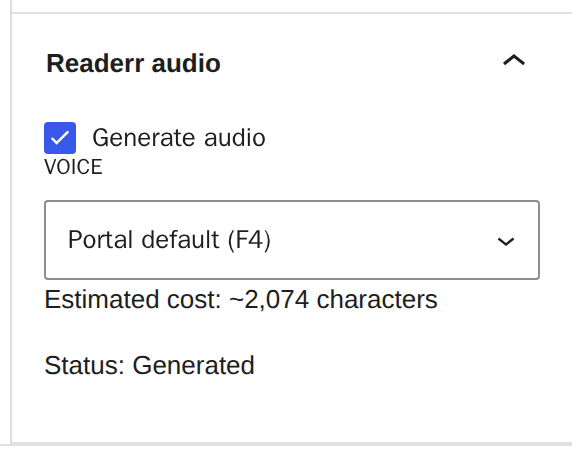
The status updates when you save the post. Reload the editor to see the latest one. The panel exists only for posts in the block editor. The classic editor has no status line.
02Not generated: nothing was sent
Not generated means Readerr has not received this post. Check these, in order:
- Generate audio is ticked in the panel.
- The text reaches the Minimum length, 1,500 characters by default. Shorter posts are not sent and cost nothing. The estimate line tells you when a post is below the minimum.
- The post is published. A scheduled post shows Not generated until it publishes, and it is sent when it goes live, with no extra save. To have the audio made before it goes live, turn on Generate audio for scheduled posts before they publish in Settings and Readerr.
- A key is saved in Settings and Readerr.
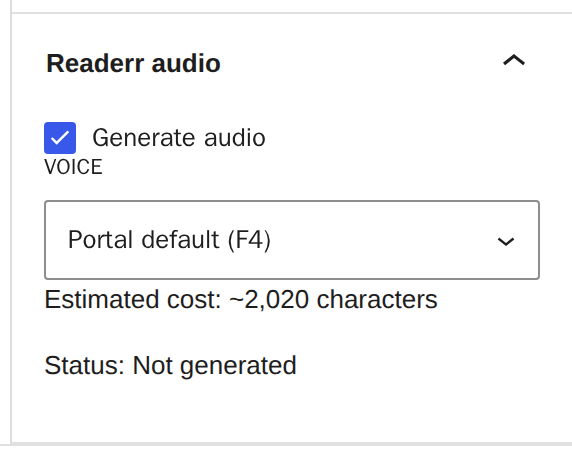
Posts close to the minimum can land on either side, because the estimate and the check count a little differently.
03Queued and Generated: on its way, then ready
Queued means Readerr has the post and the audio is being made. It usually takes a few minutes. While you wait, readers see a grey bar that says "Audio version coming soon". The bar shows for up to an hour after Readerr accepts the post. If there is still no audio by then, it goes away.
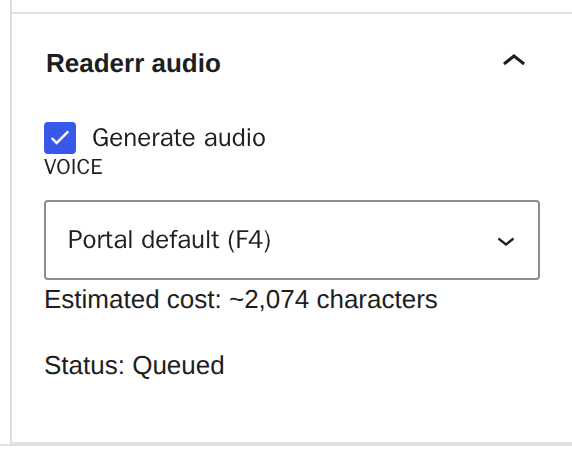

If a post stays queued for a long time, WordPress may not be running its background jobs. Check Tools, Site Health and the loopback test, as described in how to install the plugin.
Generated means the file exists and the player shows on the post. If you still do not see the player, go to the player doesn't show on my site.
04Held for review: a person checks the file
Held for review means an automatic quality check stopped the file, and a person listens to it before it is released. It is not a mistake on your side. The customer panel calls it "Being checked" for the same state.
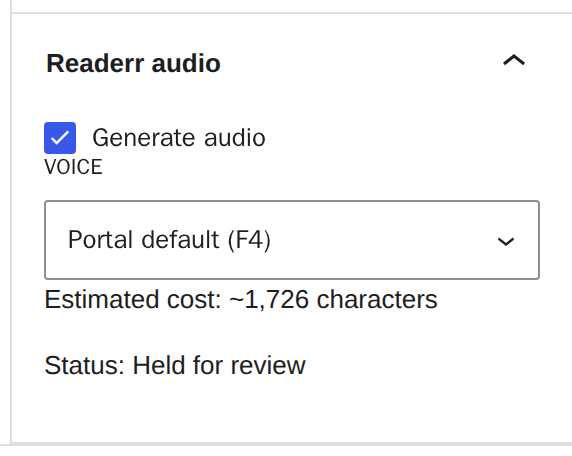
You do not need to do anything. The plugin asks for the result every 10 minutes for up to 14 days, and a released file reaches your post within about ten minutes. Readers see the "coming soon" bar for up to an hour after the post was sent, then nothing until the file is released. If the post already had audio, that audio keeps playing. If the wait drags on, saving the post sends it again, even without changes.
05Character limit reached - no audio
This status means the service refused the post. Either your characters are used up, or your trial or plan has ended. The WordPress panel shows the same words for both, so look at your customer panel to see which one it is. The panel says whether the trial ended, the plan ended or the limit was reached.
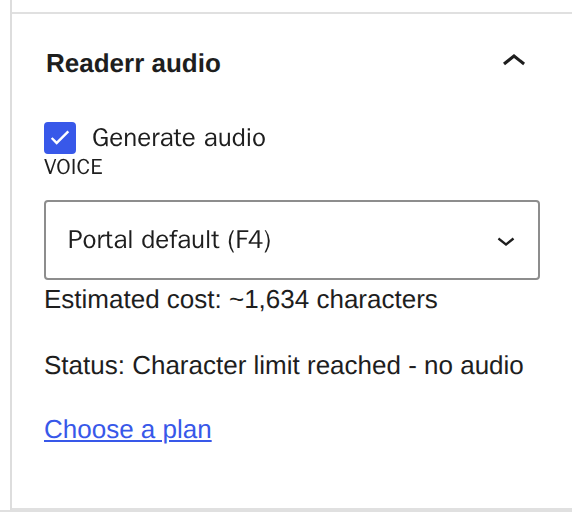
The post is published as normal, without audio, and audio that already exists keeps playing. Nothing retries by itself. After you add characters or change plan, save each post again to get its audio. What counts as a character and what happens at the limit has the steps.
06Text too long - no audio
Readerr makes audio for posts of up to 40,000 characters of reading text. A longer post is refused before anything is made, and no characters are used. A note under the status says so. The character estimate warns you while you write: above the maximum it reads "above the 40,000-character maximum - no audio".
The post is published as normal, without audio, and audio that already exists keeps playing. Shorten the post, or split it into parts, then update it. The next save sends it again. What counts as a character explains what the estimate counts.
07Error: the key or the connection needs a fix
The status reads "Error", followed by a request to check the Readerr settings. It usually means the API key is wrong or was replaced, or there is no key. It also appears when Readerr gave up after repeated failures to reach the service.
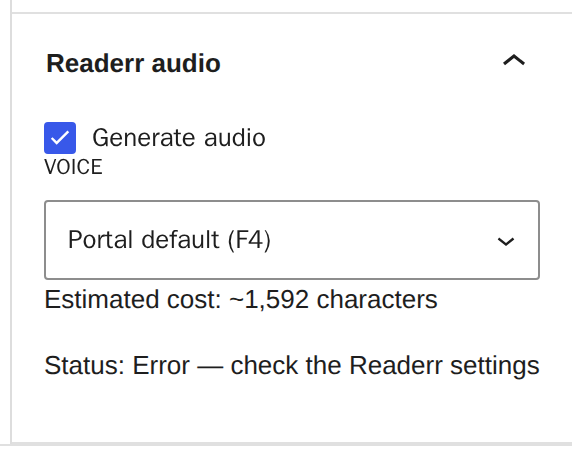
Open Settings and Readerr, and paste the key again. If you lost it, make a new one on the site page in your customer panel. Then save the post again. The next save sends it again. Making a new key hides your players until you paste it, so paste it straight away.
08The note "Audio is from an earlier version of this post"
A blue note under the voice list says the post text, title or voice is not the same as when the audio was made. By default, updating a post keeps the current audio, so the note appears and the audio stays. A Keep current audio box appears with it, so you can choose new audio for that one update. Fixing a typo leaves the note in place, and so does changing only the title, until the audio is made again. See will editing a published post make new audio.
09The same states in your customer panel
The panel uses its own words for the same articles:
- Audio ready: Generated.
- Making audio: Queued.
- Being checked: Held for review.
- Problem: Error, shown with a note that we are on it.
- No audio: the limit, a trial that ended or a plan that ended, and it says which.
The list shows the last 30 days.