01What you need
You need three things before you start:
- A work email address you can open right now. The sign-in link goes there and works for 15 minutes.
- The name of your publication or company. It appears on your invoices later, and you can change it.
- A website to connect. The plugin is for WordPress. If your site runs on something else, the integrations page shows the API route.
There is no card and no password to remember. You sign in with a link sent by email.
02Steps to start the trial
Fill in the sign-up form
Open the sign-up page. Enter your Work email and Publication or company. Tick I accept the Terms and have read the Privacy policy. The second box, Send me product news and offers, is optional and stays unticked unless you tick it. Then click Email me a sign-in link.
If you forget the Terms box, the form says "Please accept the Terms to continue."
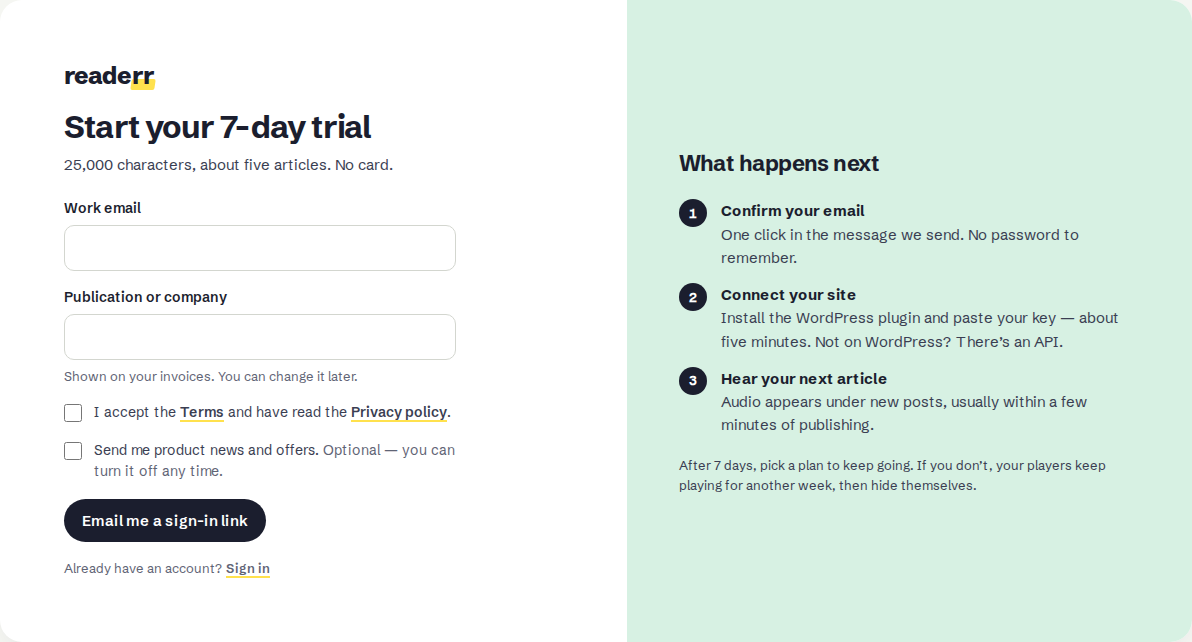
The trial form: 25,000 characters, no card.Full size Open the email
The page changes to Check your inbox and shows the address the link went to. The email has the subject "One click to start your Readerr trial". If it does not arrive, look in your spam folder. You can ask for another link after a 60-second countdown, or use use a different address if you mistyped.
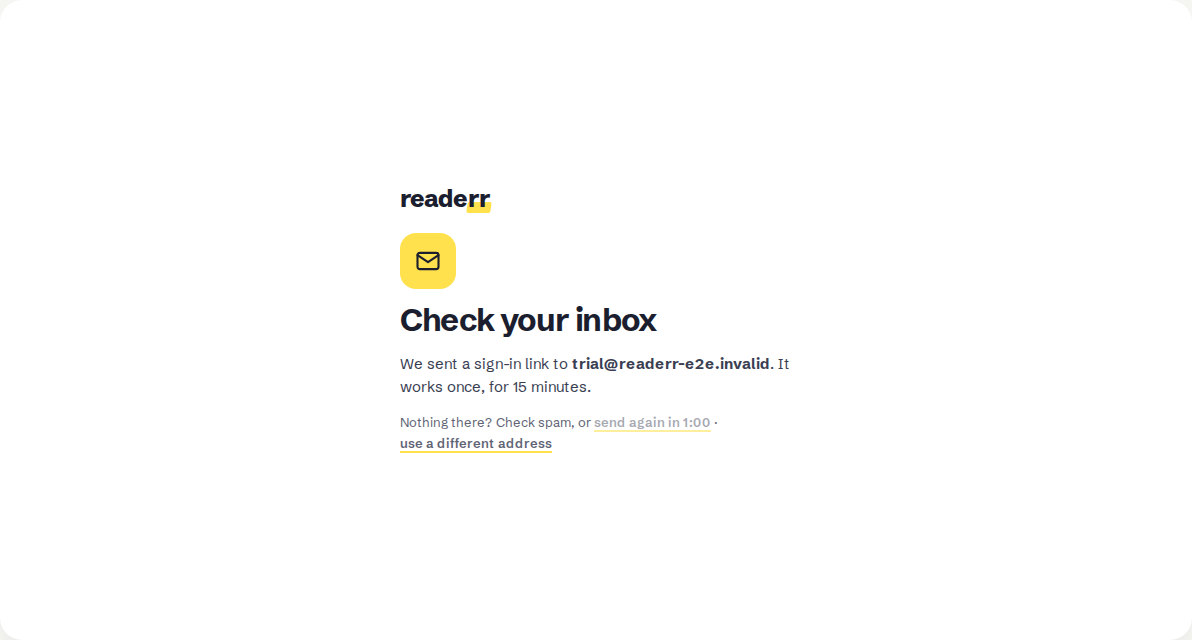
The link works once and for 15 minutes.Full size Confirm your email
In the email, click Confirm and start trial. It opens a page called Confirm your email with one button, Continue to Readerr. Click it. This extra click is on purpose: mail programs sometimes open links on their own, and this way they cannot use up yours.
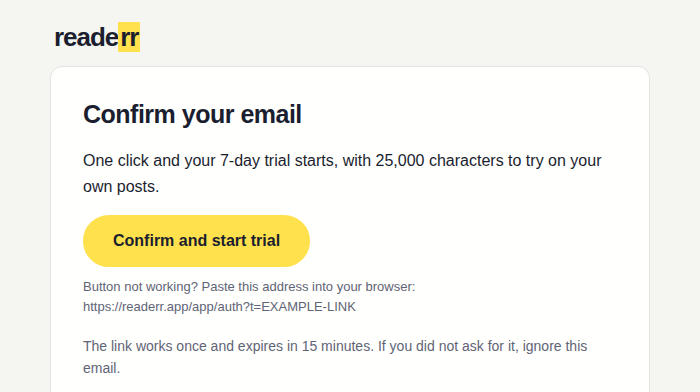
The email. If the button does not work, the address under it can be pasted into your browser.Full size 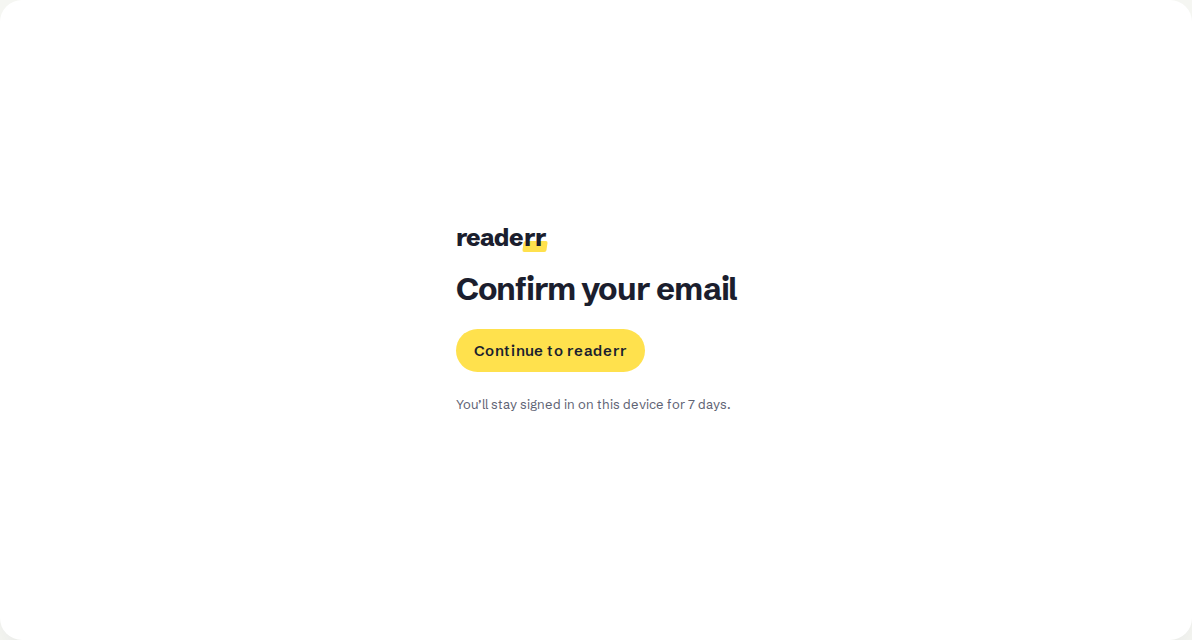
You stay signed in on this device for 7 days after this click.Full size Start with the Overview
You land on the Overview page, headed "Let's get audio on your site", with four steps: confirm your email (already done), add your site, install the plugin and paste the key, and publish or update a post. The Your trial box shows the days and characters you have left.
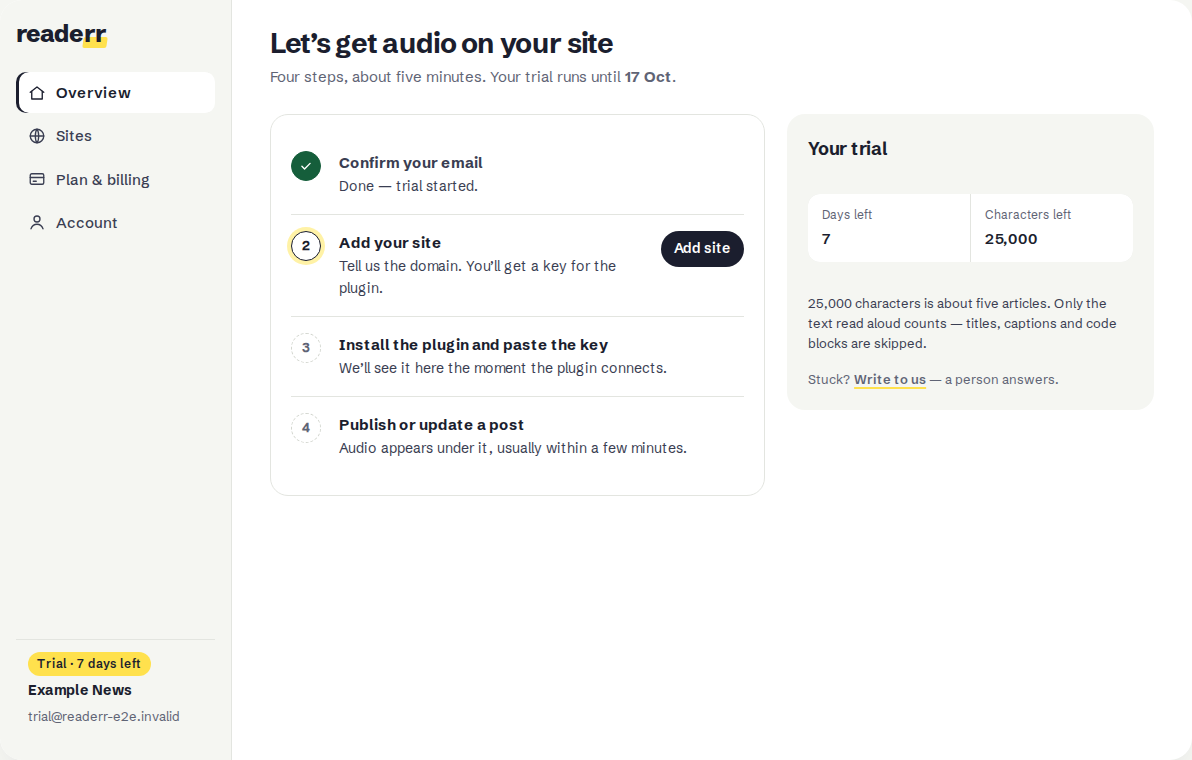
The trial clock started when you clicked Continue to Readerr.Full size
Next, install the plugin and connect your site.
03What the trial includes
The trial lasts 7 days from the moment you click Continue to Readerr, not from the moment you sign up. It includes 25,000 characters, which is about five articles, because Readerr's pricing counts an article as 5,000 characters. It covers one site.
Only the text the voice reads counts. Titles, captions and code blocks are skipped, and so is anything you mark to leave out. What counts as a character explains the rules.
Top-ups are not available during the trial. They open once you are on a paid plan. Pricing lists the plans.
04What happens after 7 days
After 7 days, pick a plan to keep going. If you do not, your players keep playing for another week and then hide themselves from your posts. The audio files stay, so choosing a plan brings the players back, as long as your account still exists. It can be deleted 30 days after the grace week ends. What happens when the trial or plan ends has the details.
05If something goes wrong
The email does not arrive. Check spam first. Wait for the countdown on the Check your inbox page, then send again. After several requests the page says "We've sent several links already" and shows how long to wait. We cannot promise a delivery time.
The page says "This link no longer works". Links work once and for 15 minutes. Click Send a new link. If you never click a link, the unconfirmed account is removed after 7 days.
The form asks you to wait. A short check that you are not a robot runs when you submit. Wait a few seconds and click the button again.
You clicked the link on another device. You stay signed in on the device where you click Continue to Readerr. On a different device, ask for a new sign-in link.